 Slids
SlidsWhat is a photo dump?
Instead of one perfect photo, a photo dump shares a loose selection from a week, a holiday or a month: a coffee cup, a blurry night shot, a view, a screenshot, a picture with friends. The point is to say “this is what this time felt like”. It feels relaxed and personal, which is why it lands differently from a polished single post.
It is posted as a carousel, and Instagram allows up to 20 slides per post. For most photo dumps, 6–10 slides is plenty.
 123
123Which photos should you pick?
Don’t throw in everything from your camera roll; a photo dump gets its strength from variety. Try this mix:
- A “cover” photo: the best, sharpest shot of the period. Usually you, or the strongest moment.
- Close-ups: food, hands, a book, a ticket, flowers. They give the wide shots room to breathe.
- One or two wide shots: a view, a street, a place. They set the scene.
- People: friends, family, a pet. Make sure they are happy to be posted.
- A surprise: a funny moment, a blurry dance photo, an odd sign. The reward for swiping to the end.
Ordering: cover, rhythm, closer
A casual-looking photo dump doesn’t mean a random order. A simple structure works:
- Open with the cover. Only the first slide shows in the feed and on your profile grid. Put your strongest photo here; it decides whether people swipe.
- Build a rhythm. Alternate close and wide, people and objects, light and dark. Three food photos in a row and attention drops.
- Group by color. Putting similar tones next to each other creates natural transitions between slides. Moving from warm tones to cool ones also gives a nice flow.
- Put a surprise in the middle. Something different around slide four or five keeps people going.
- End on a good note. A sunset, a goodbye, a “see you next month” line or the funniest shot. The last slide is the one people remember.
12 photo dump themes
- Month recap: “What happened in October?” A series you can repeat every month.
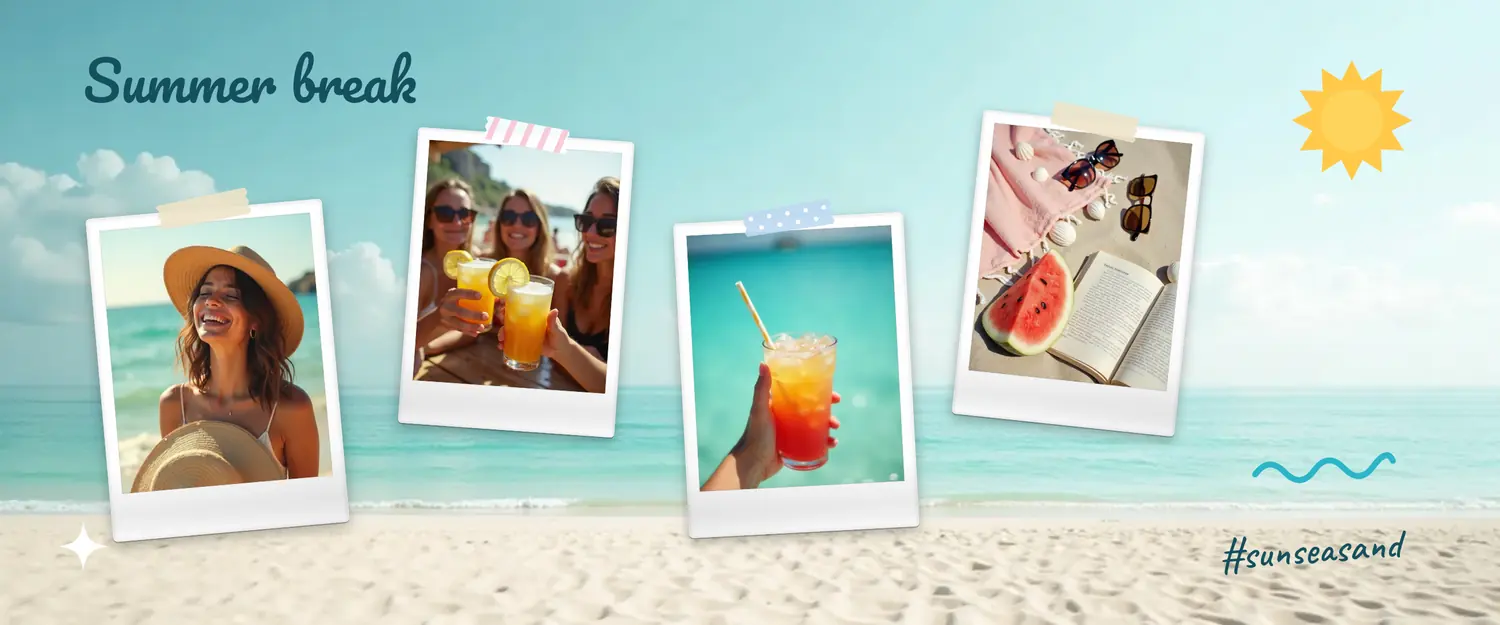
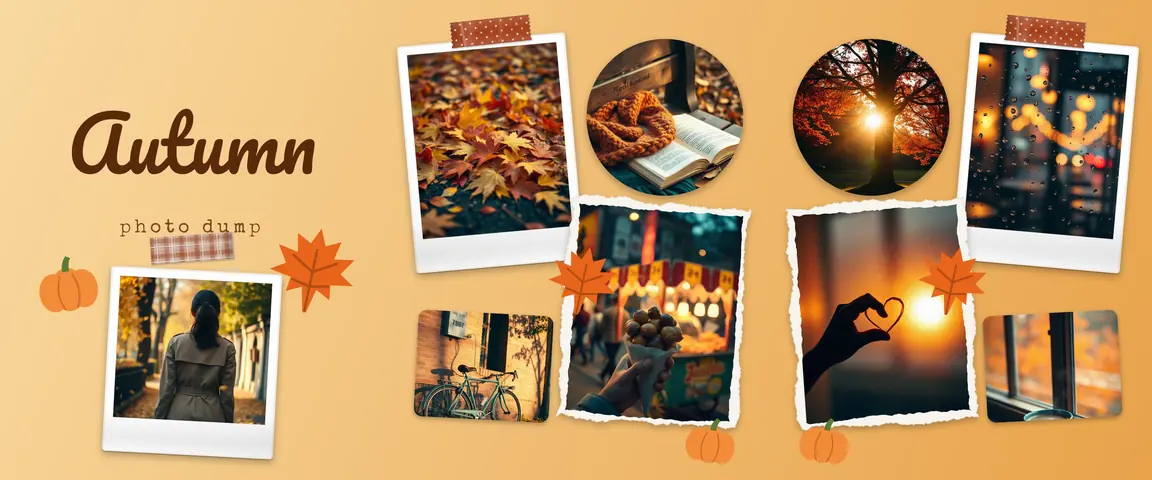
- Seasonal dump: autumn leaves, winter coffees, summer beach days.
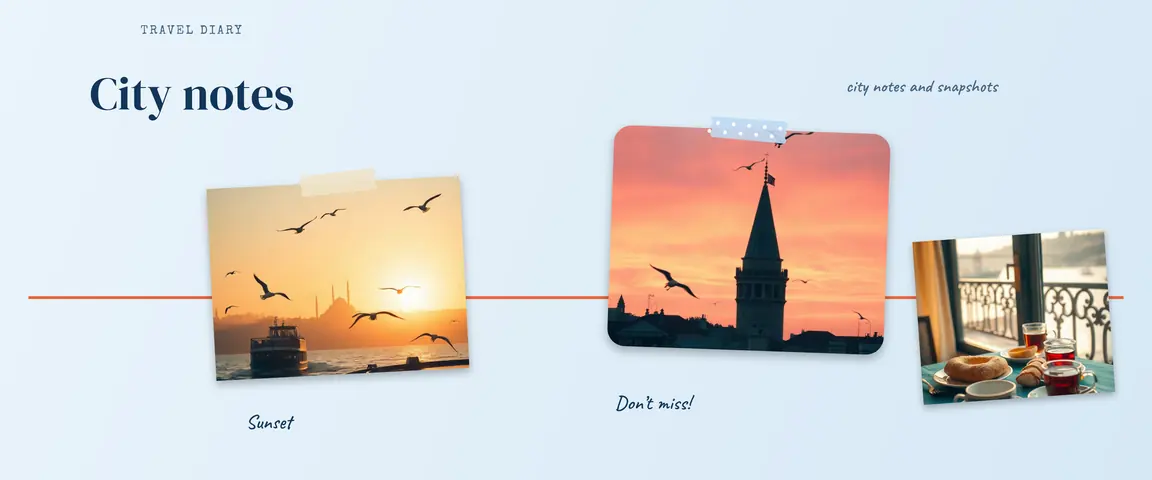
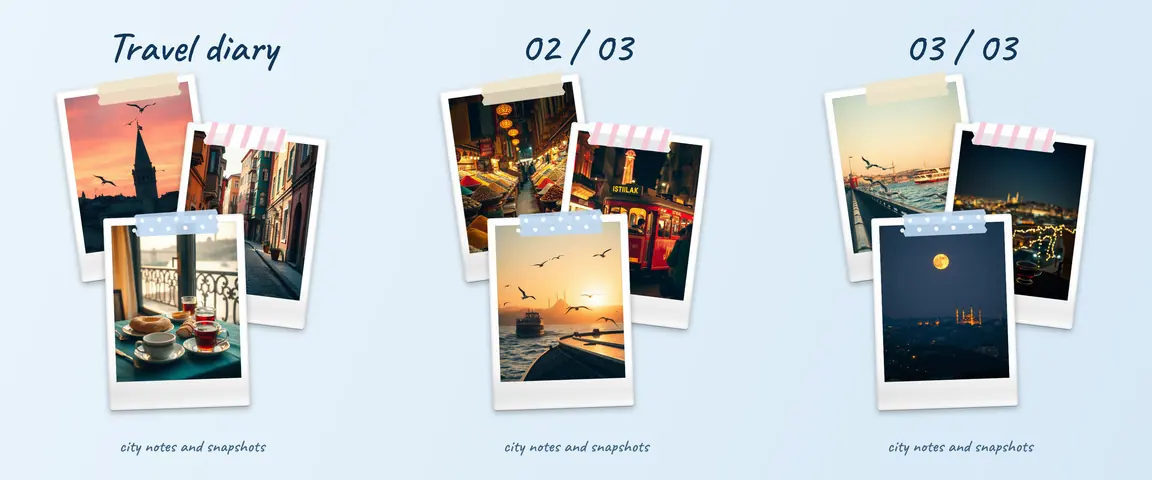
- Trip dump: three days in a city, two or three shots per day.
- Weekend: from Saturday breakfast to Sunday evening.
- Cafés and food: the places you tried this month.
- School or campus term: notes, the cafeteria, getting ready for graduation.
- Concert or festival: the stage, the crowd, the ticket, the ride home.
- Pet dump: the cutest and silliest moments.
- New home: from empty rooms to the first dinner.
- Friend group: a year of shared moments.
- Year end: your favorite shot from each month.
- Behind the scenes of a project: the desk, the drafts, the finished work.
A seamless photo dump with Slids
In a classic photo dump, each photo is its own slide. In Slids, every slide is cut from one canvas: you move photos across the slide borders, and they flow from one slide to the next as people swipe. That makes a mix of different photos read as one story.
- Start from a template. Type “photo dump” into the search box on the templates screen. Tap one you like, swipe through its slides, and choose “Use this template”.
- Pick photos in order. Tap “Choose your photos” at the top and pick them in the order you planned above; they fill the frames in that order. Pick more than there are frames and new frames are added.
- Or build it yourself. On a blank canvas, (+) Add → “Collage” scatters your photos across the canvas; then drag them over the slide borders.
- Add texture. Select a photo and use “Shape” for a polaroid or torn-paper frame; (+) Add → “Sticker” → “Tape” adds collage tape. Tap an empty spot, then “Background” → “Match photos” to take colors from your own photos.
- Save and post in order: 1, 2, 3.
Final checks
- Don’t post five versions of the same moment. Pick the best; near-duplicates kill the urge to swipe.
- Keep text light. A photo dump speaks in pictures. A title or a date is enough; save the story for the caption.
- Keep faces off the borders. A face split in two mid-swipe looks odd; let objects and scenery cross the line.
- Keep every slide the same ratio. Instagram shows a carousel at the first slide’s ratio; see the carousel size guide.
Looking for more themes? Read 15 Instagram carousel ideas, or for special days, birthday carousel ideas.