 Slids
Slidsslidsapp

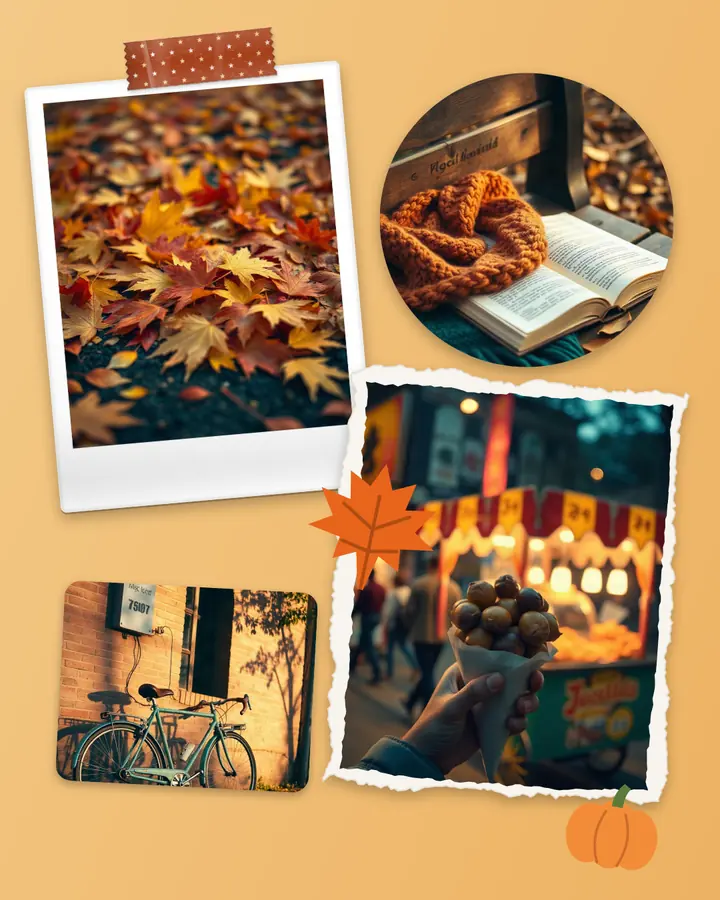
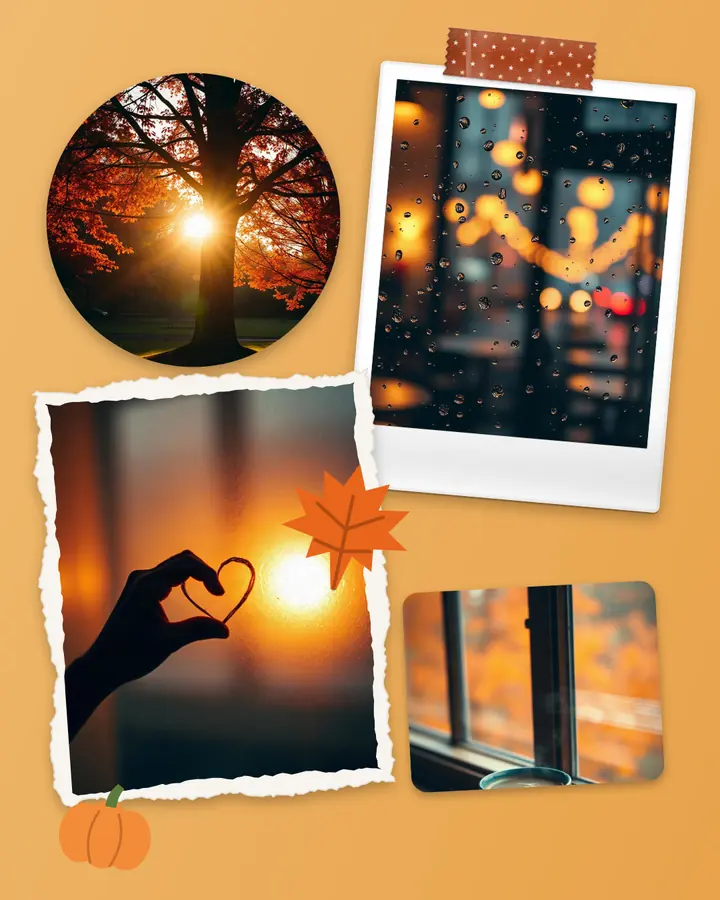
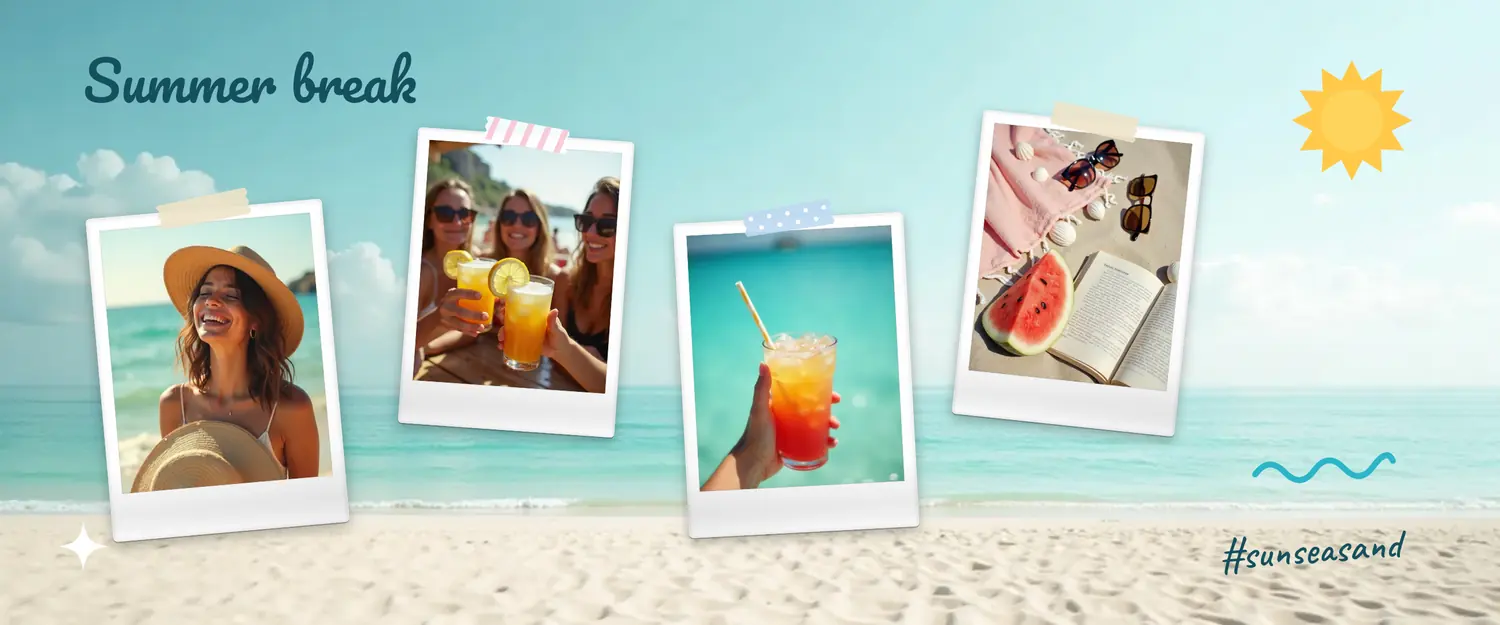
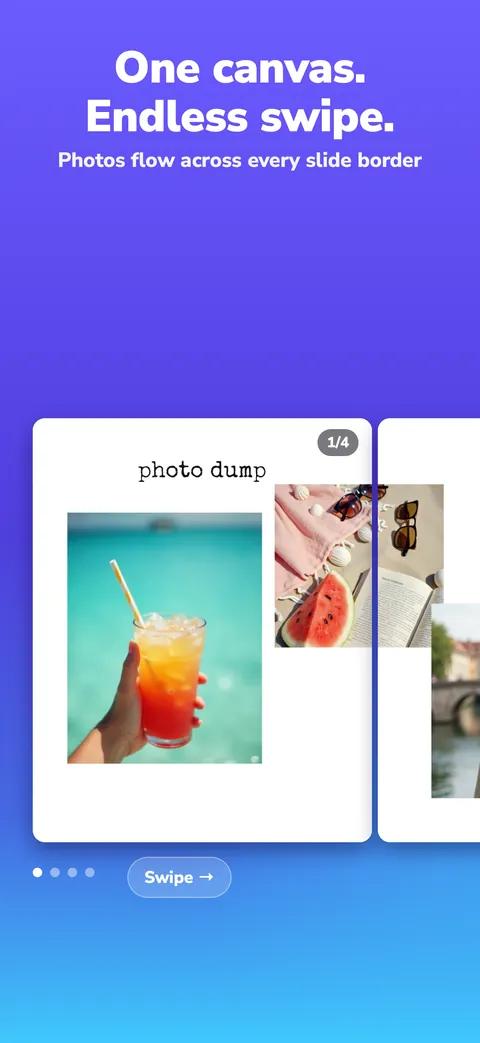
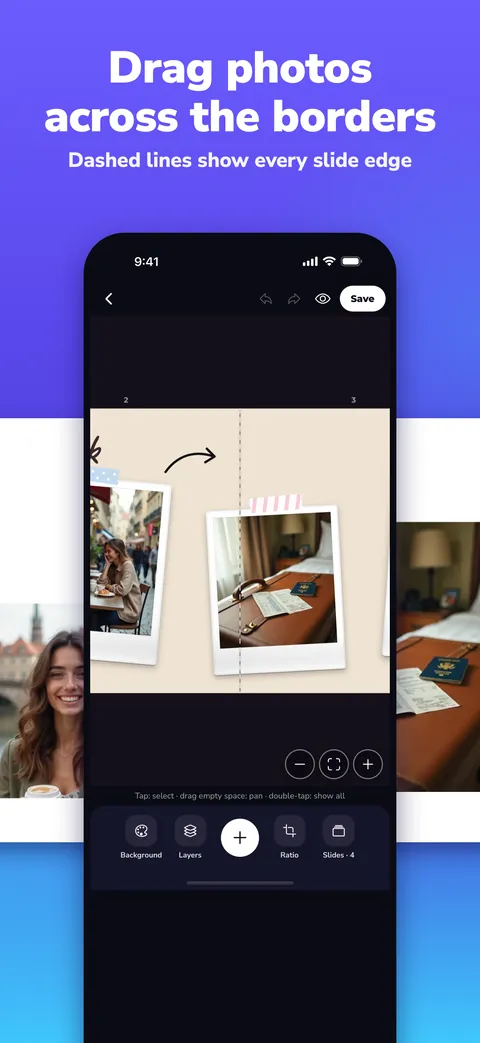
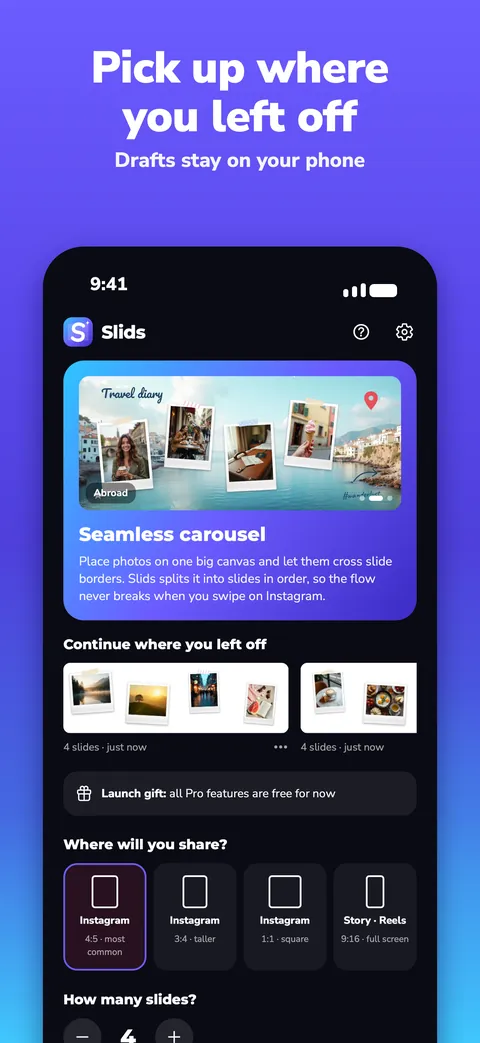
Place your photos on one big canvas and let them cross the slide edges. Slids splits it into slides in order; on Instagram it swipes like one continuous piece.
Start free · Your first carousel has no watermark · Photos stay on your phone
On a computer? Edit more precisely in Slids Studio →


Tap a slide to open it on the phone.
★ On your profile the first slide is the cover. Design slide 1 like a cover in Slids.
One minute to learn; five minutes to your first carousel.
One photo per slide, a collage across slides, or one long photo split into slides? Pick one and Slids does the rest.
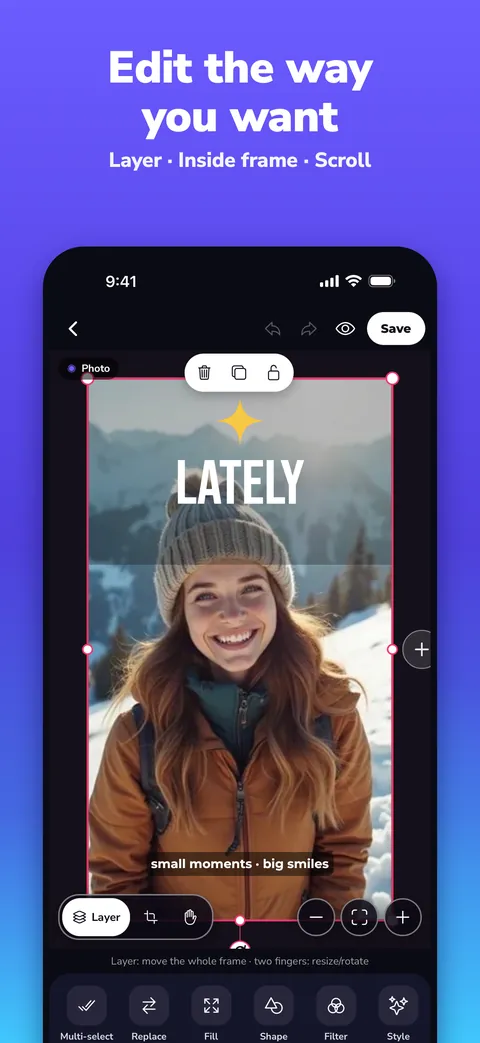
Place photos across two slides, rotate and crop them; add text, emoji and stickers. Magnetic guides keep everything aligned.
Slides are saved to your gallery in full resolution, 1 to N. Pick them in the same order on Instagram and the flow never breaks.
Carousels, single posts and stories. Swipe the cards: this is exactly how they flow on Instagram. Tap an empty frame, pick a photo, done.
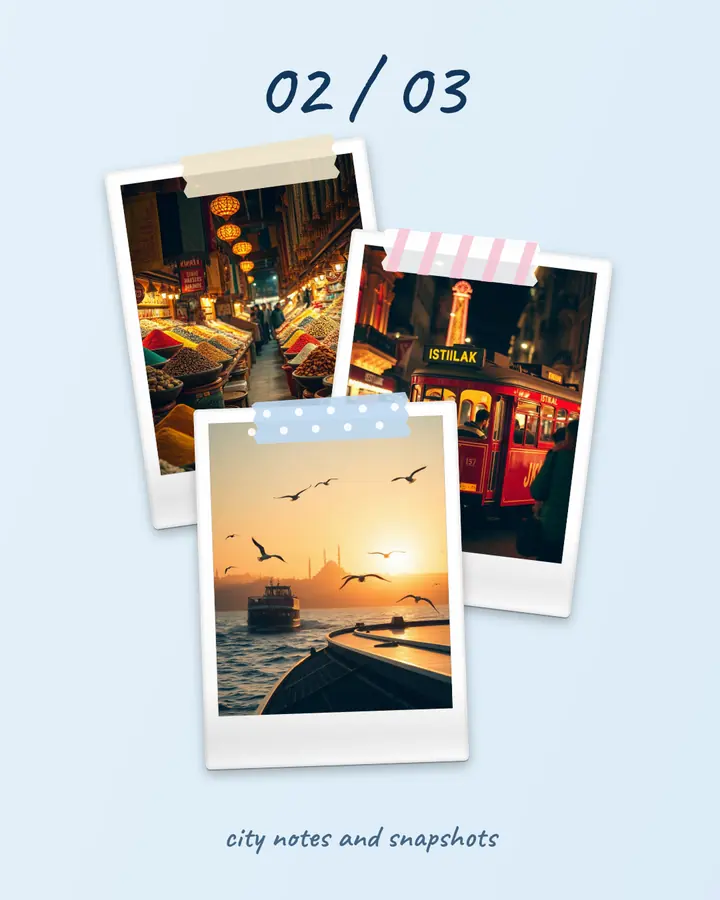
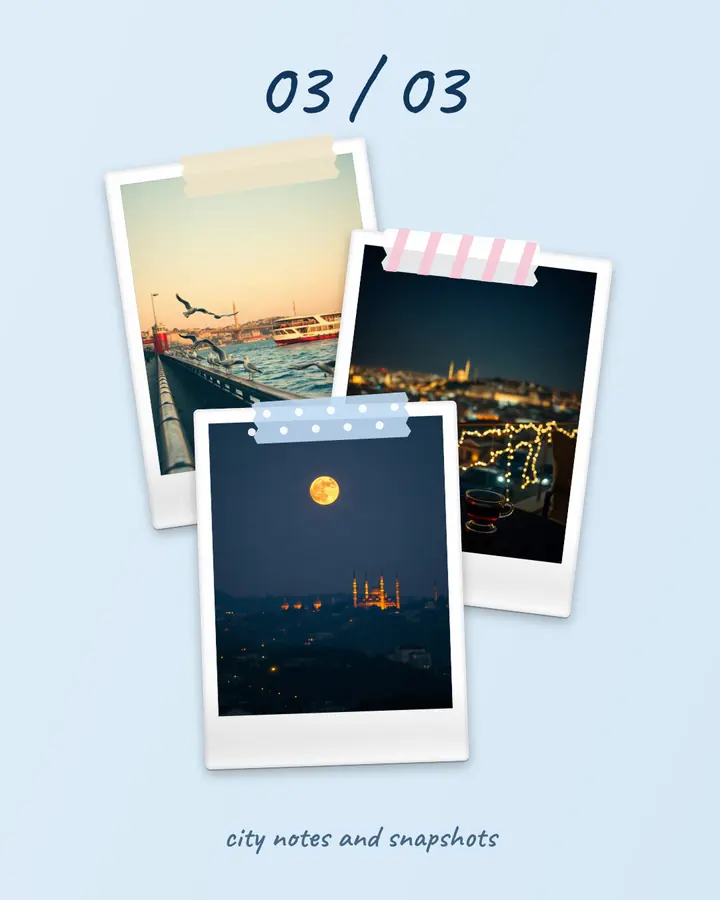
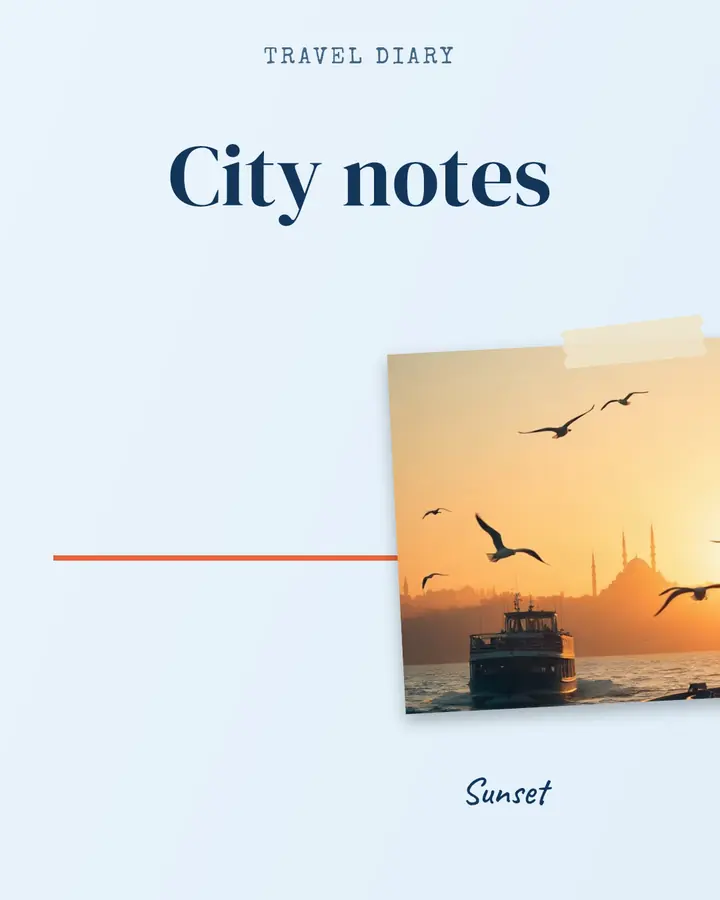
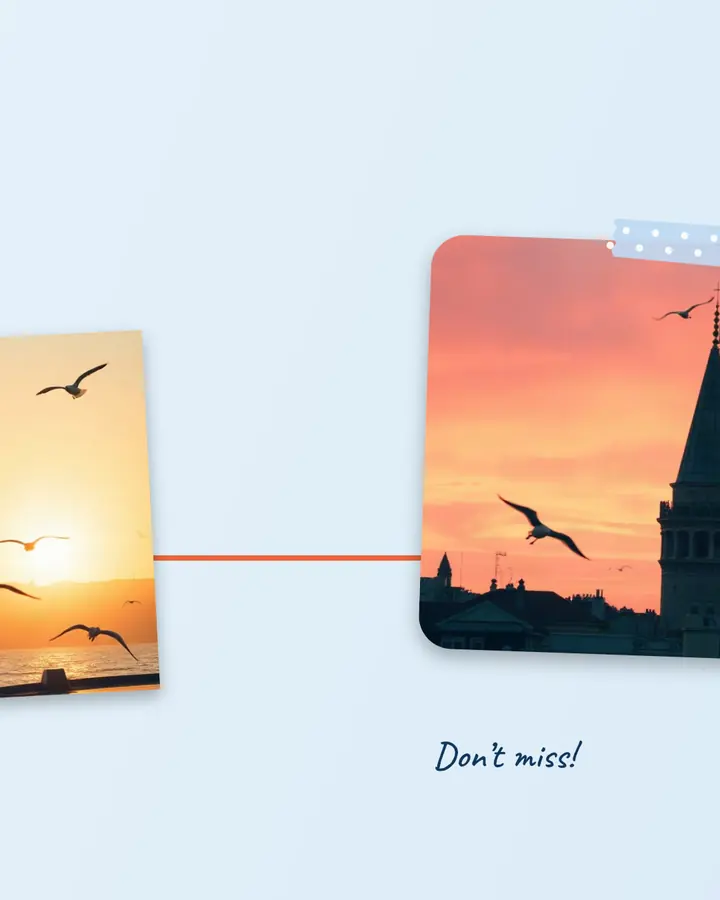
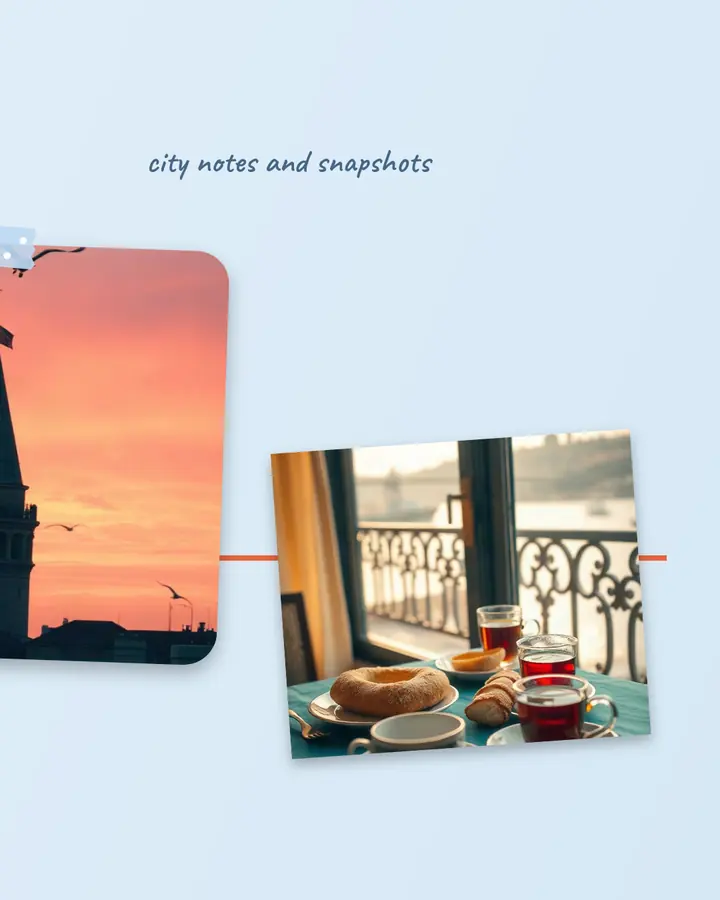

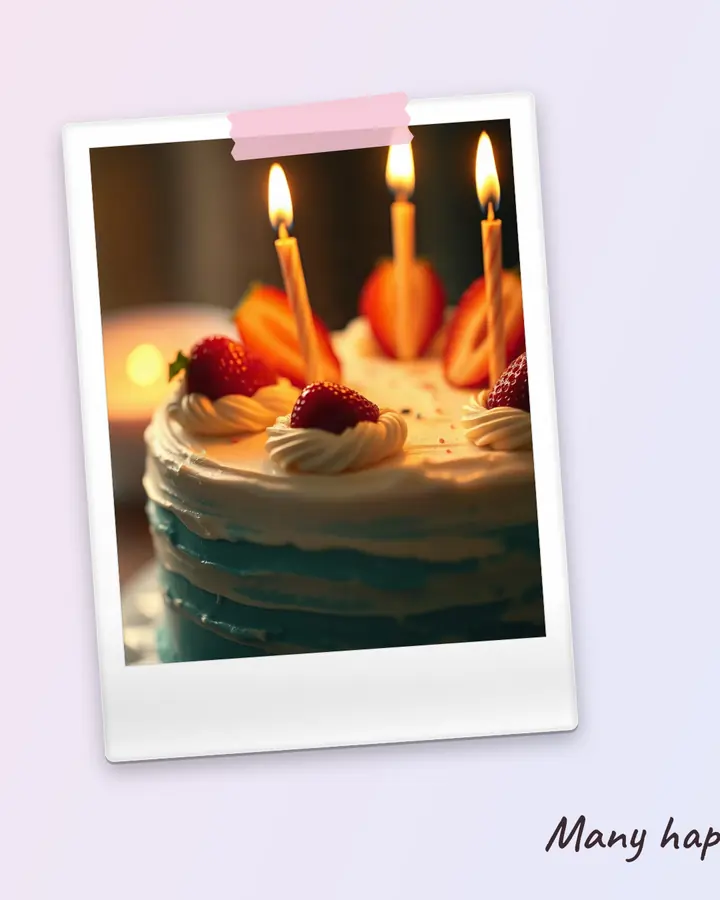
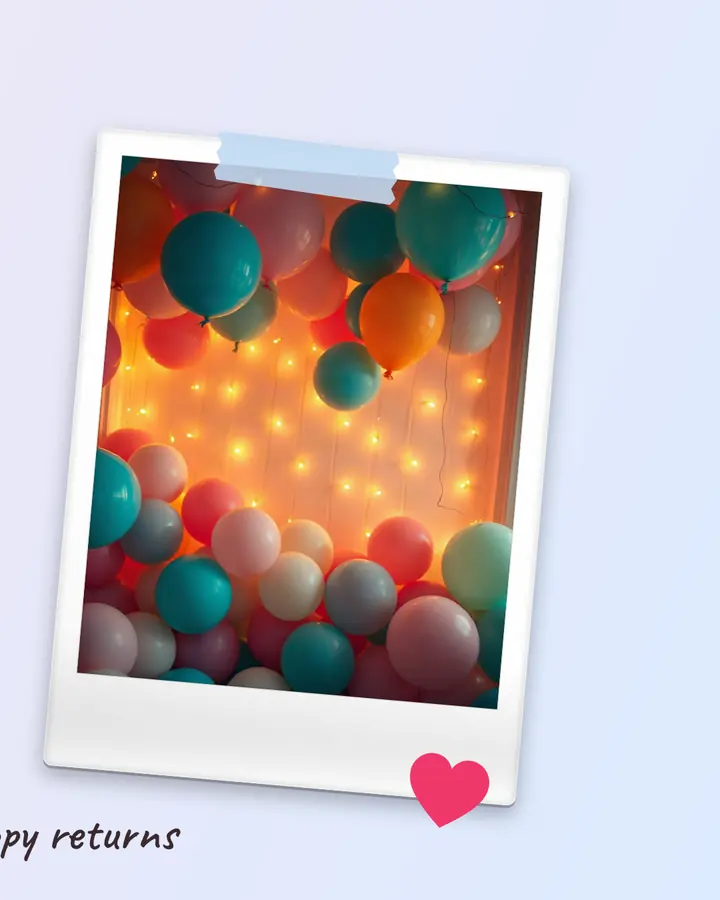
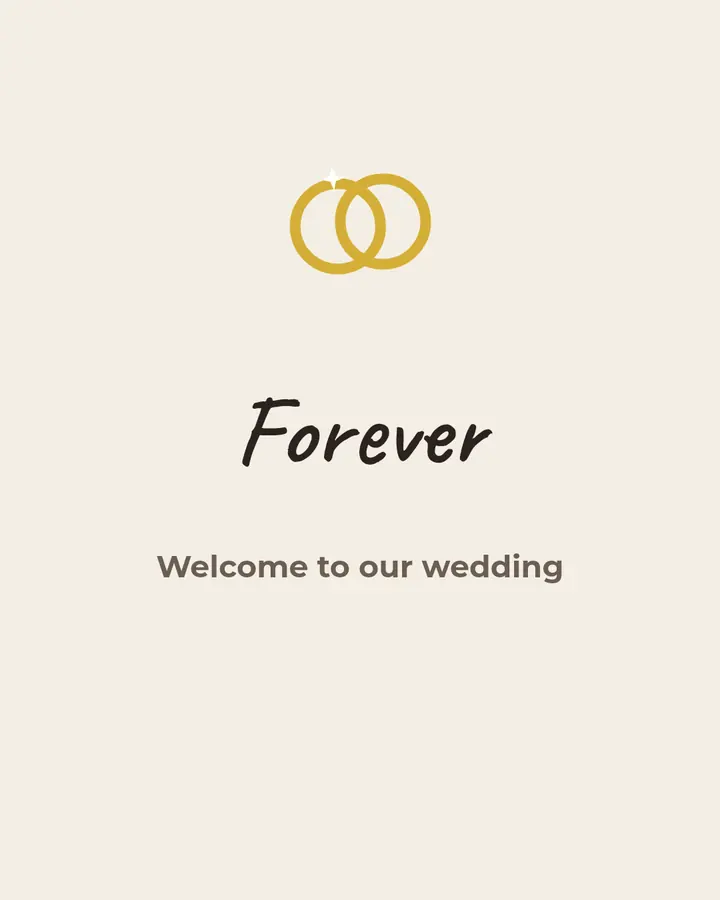
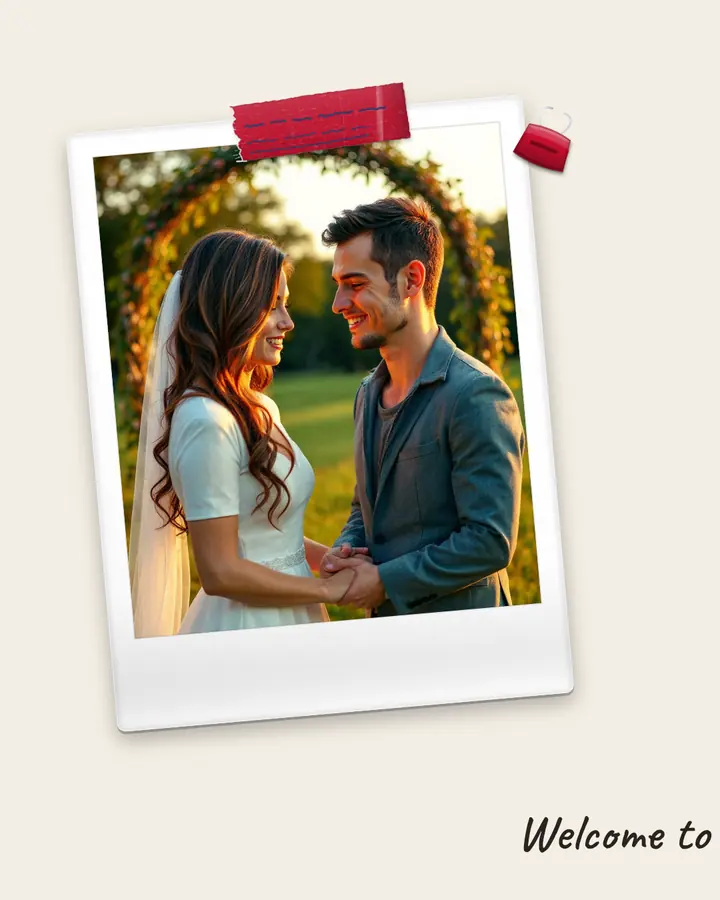
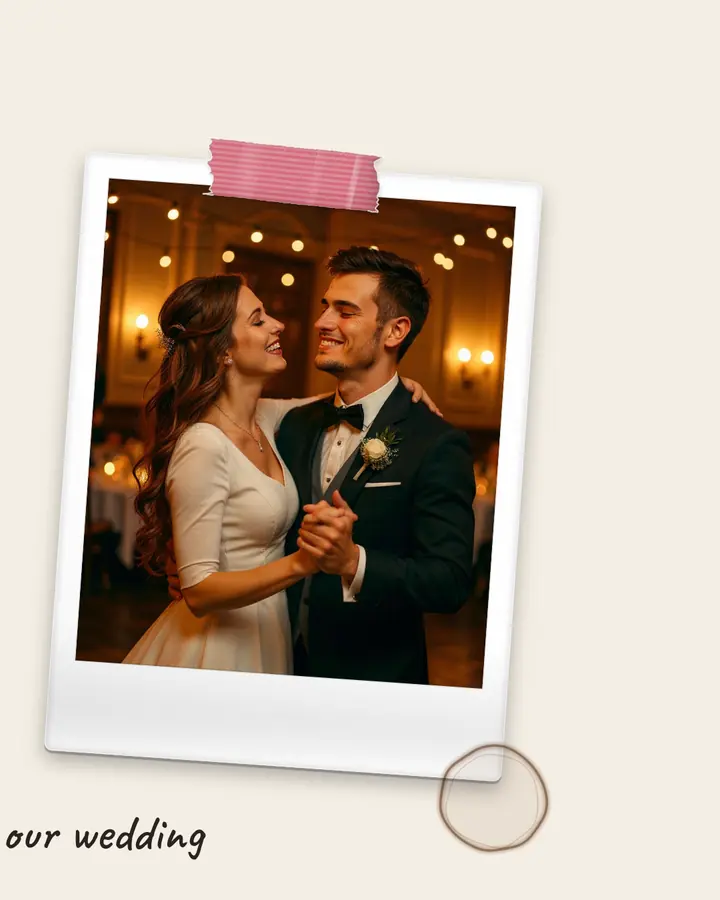


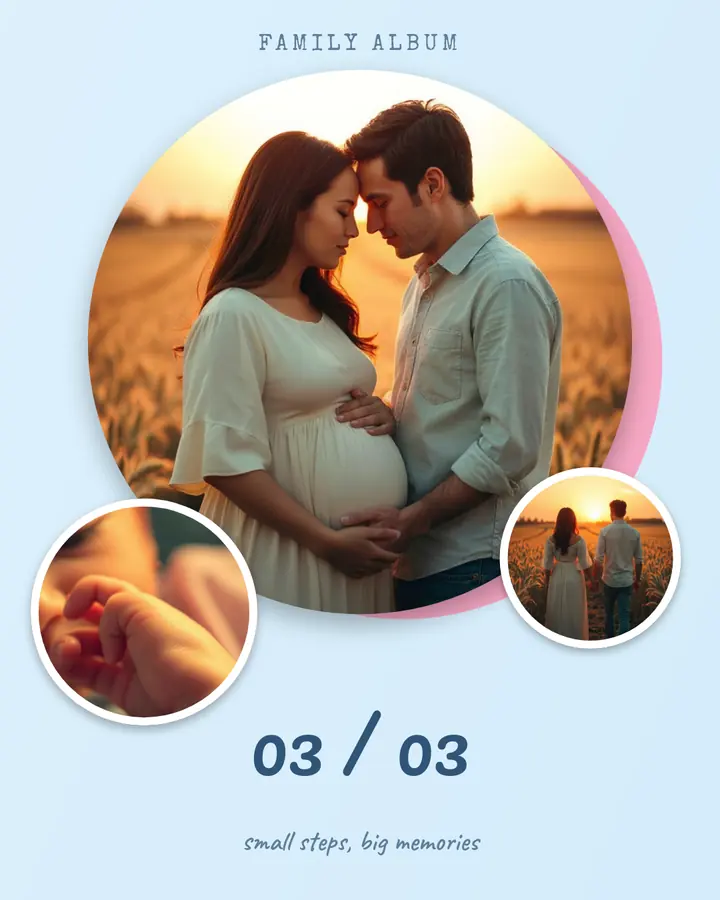
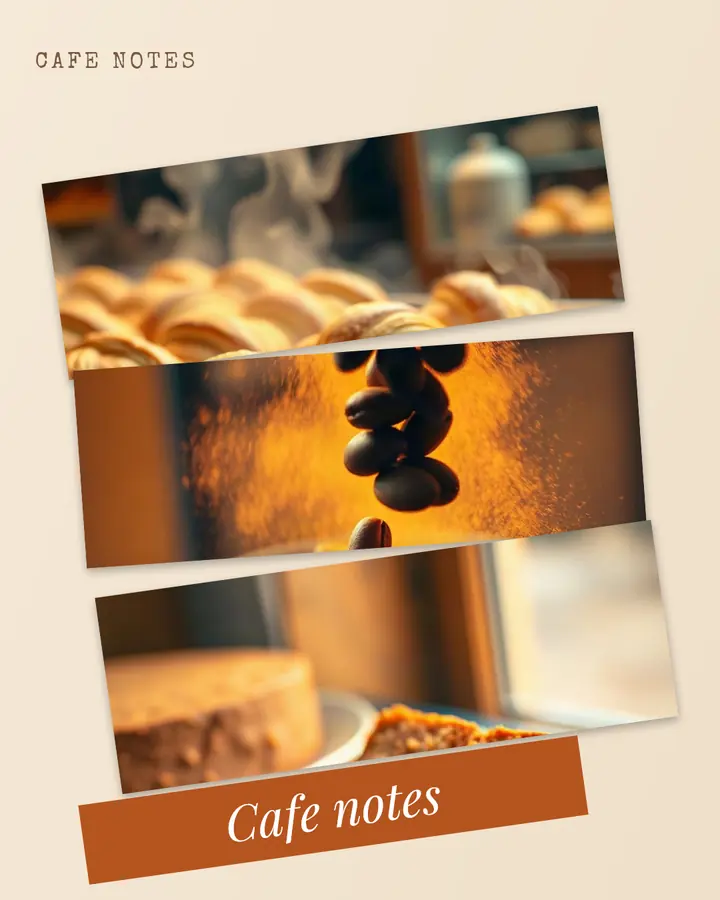
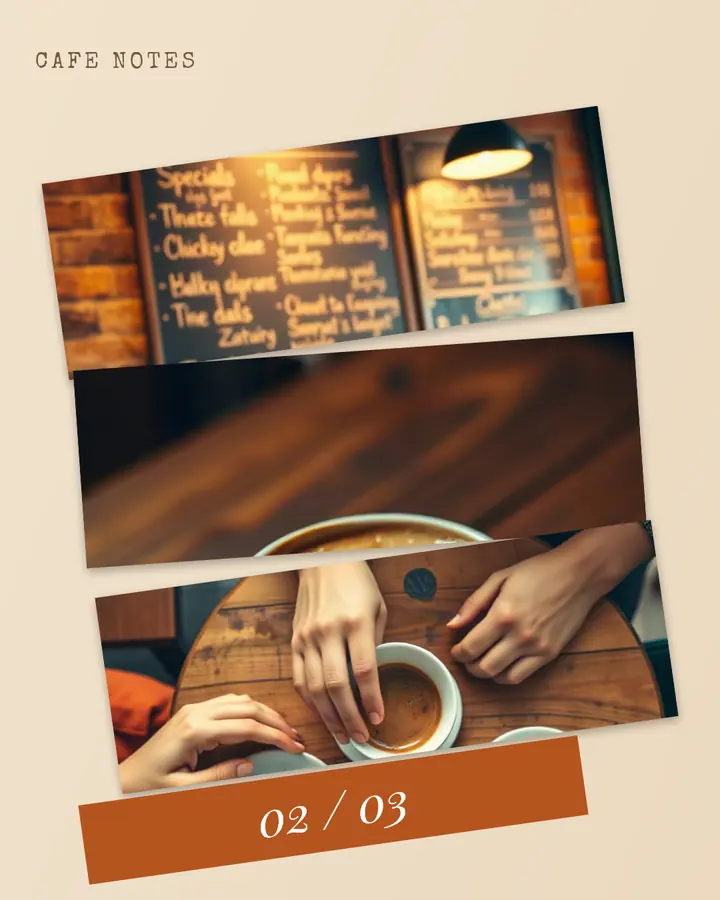
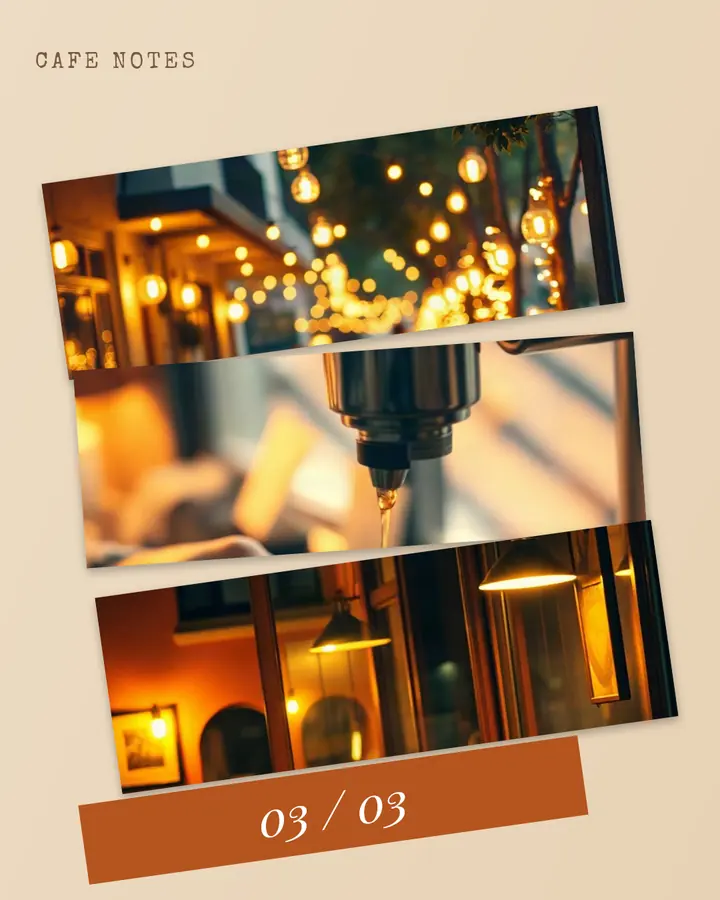
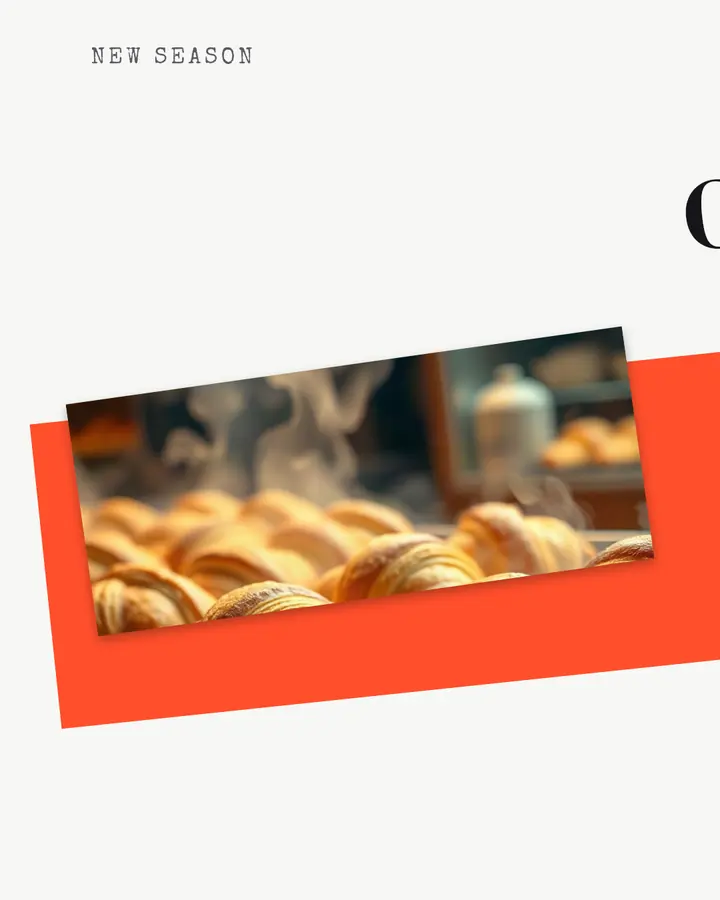

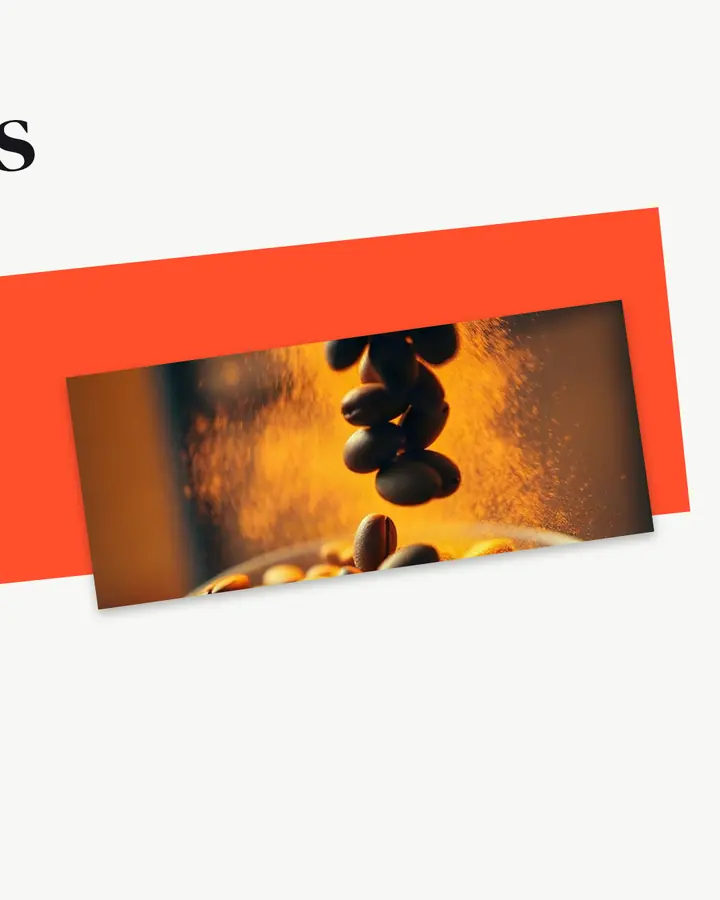
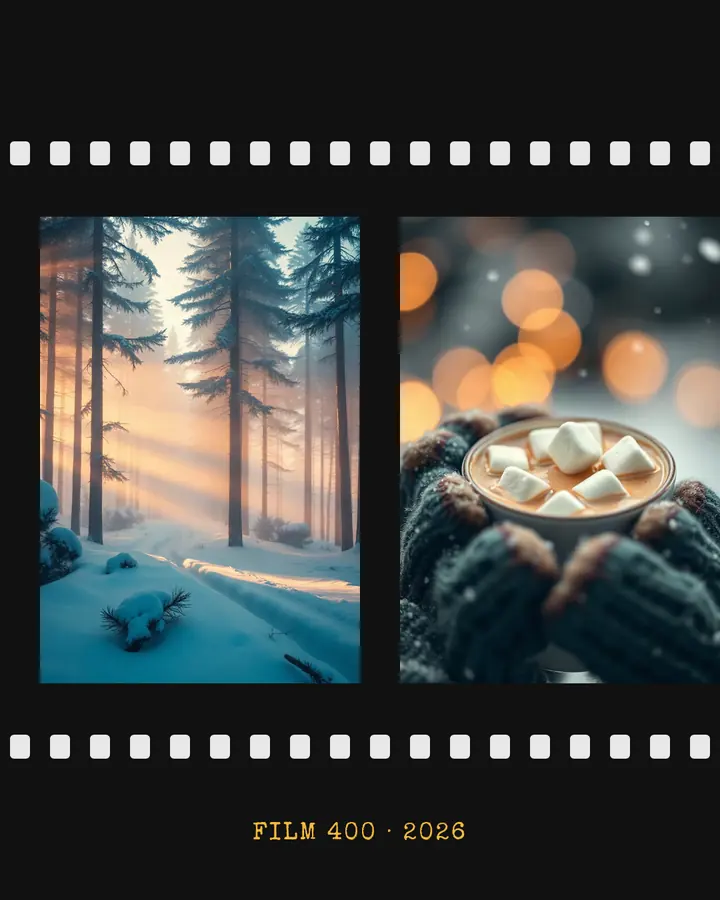
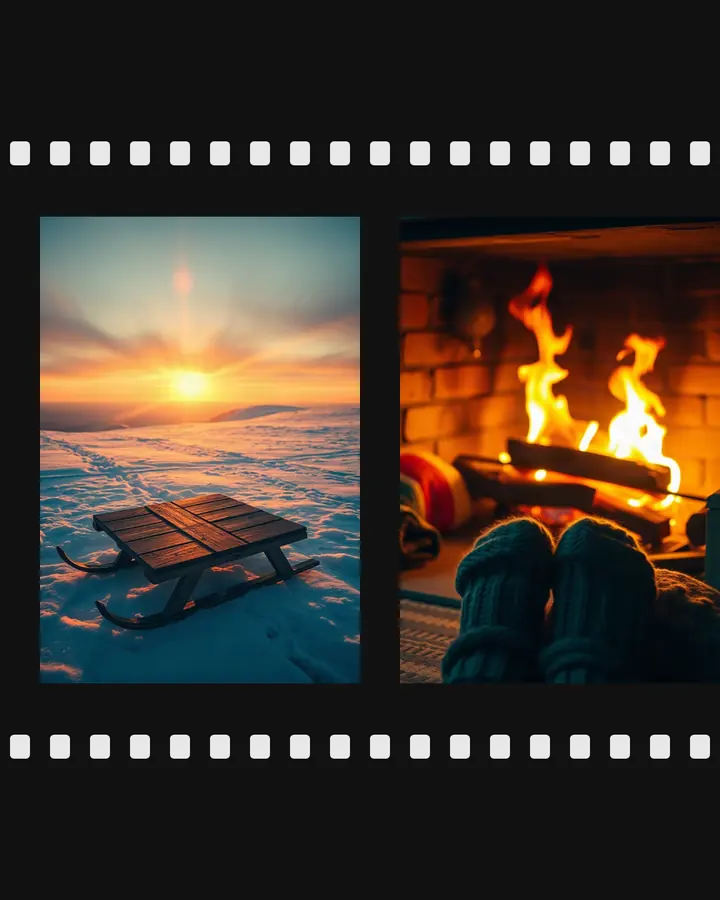
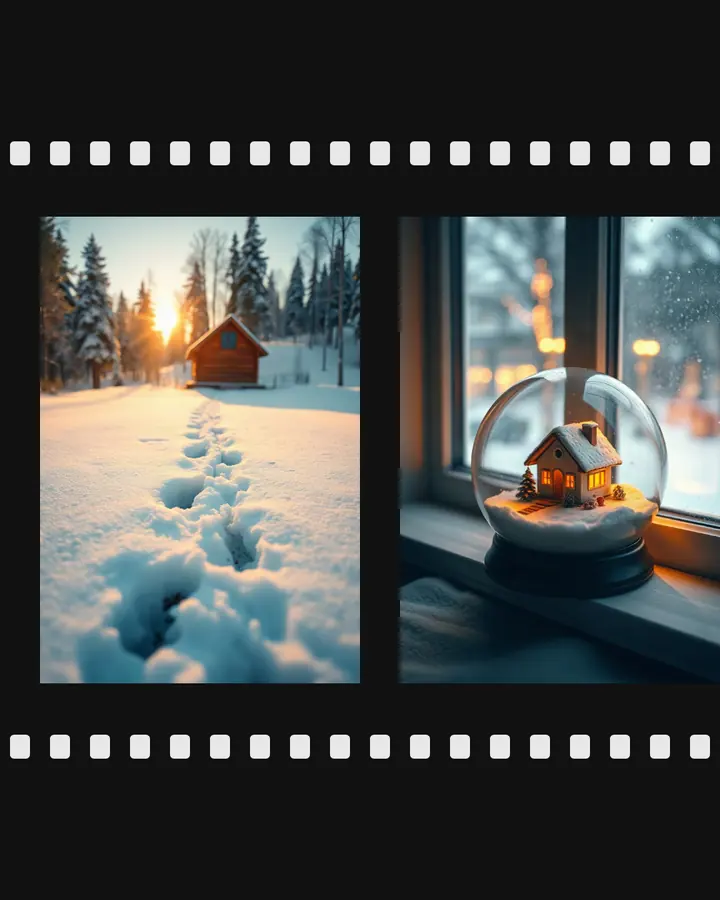
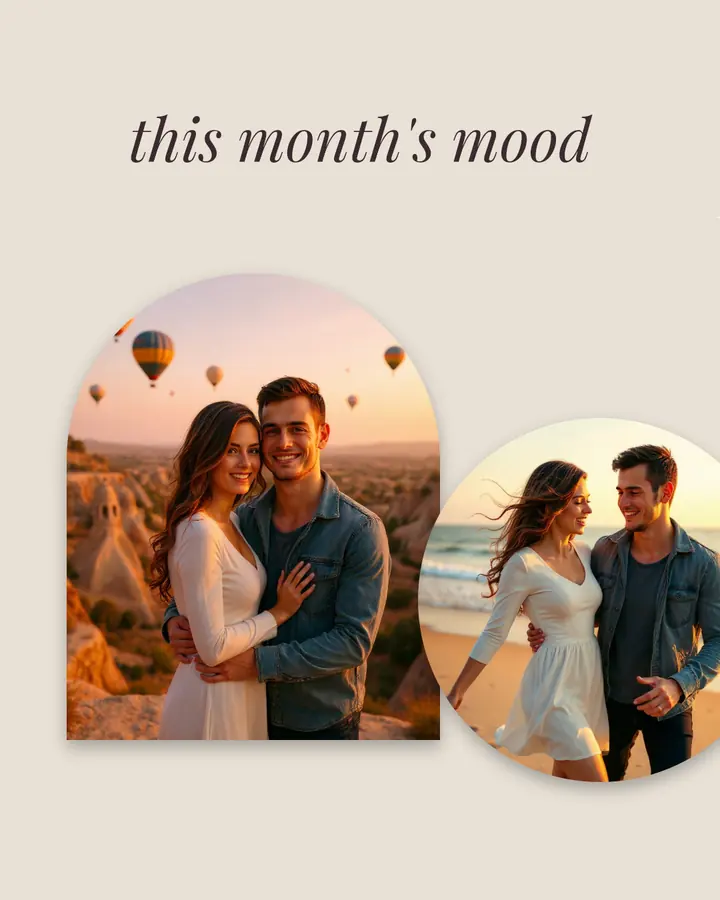
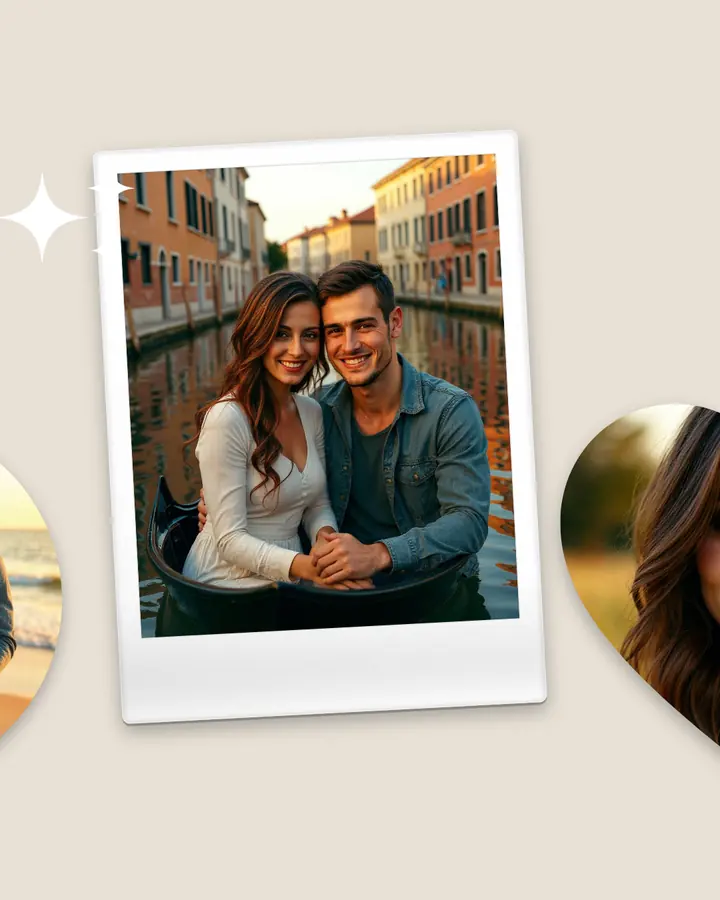
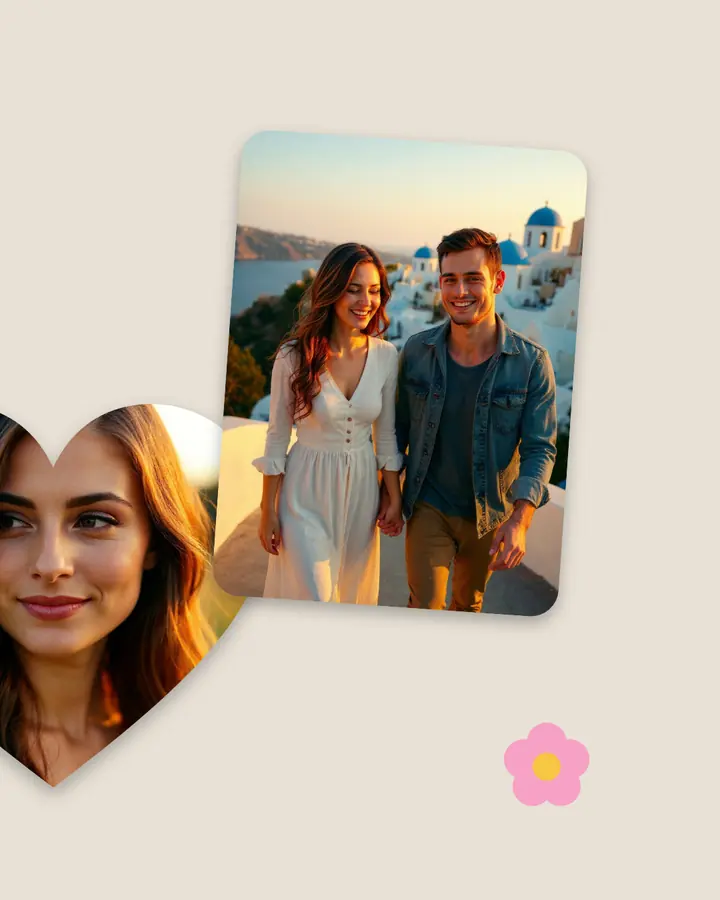

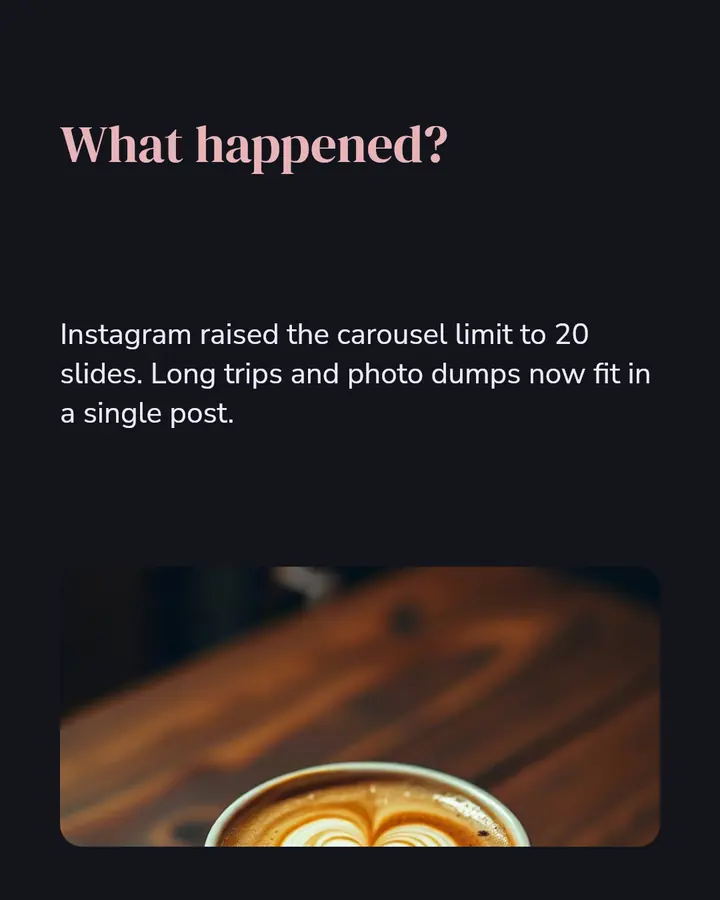
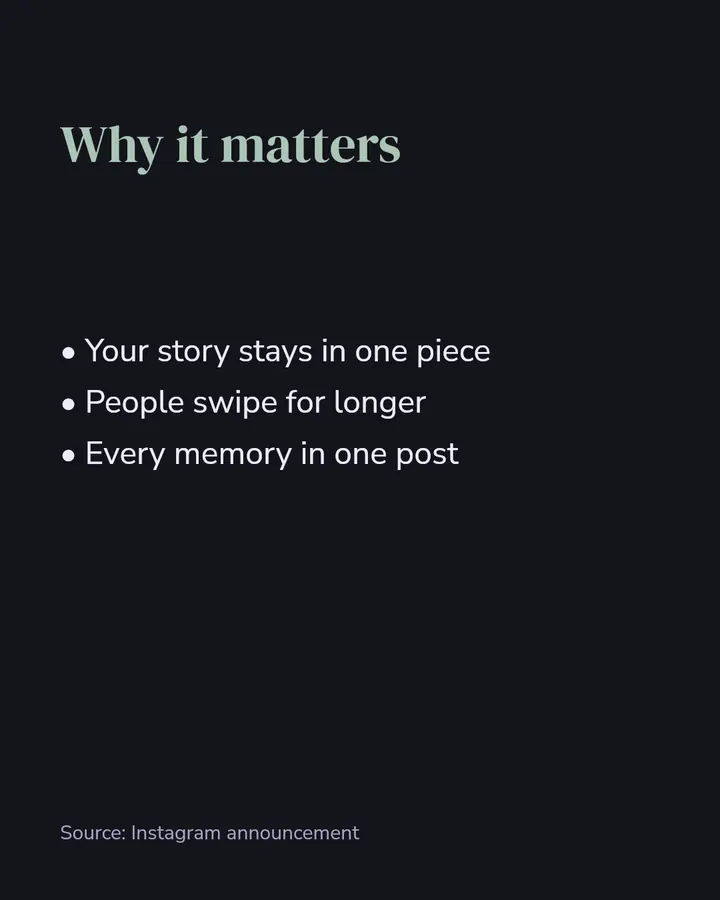
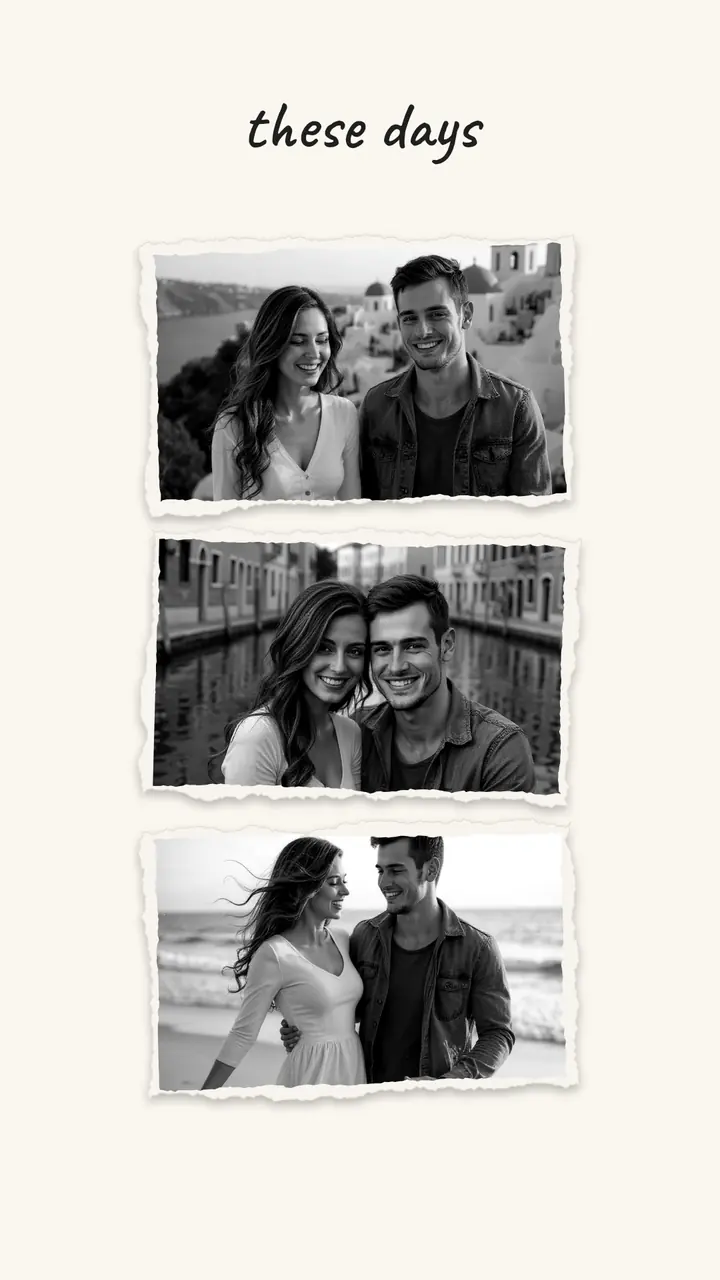
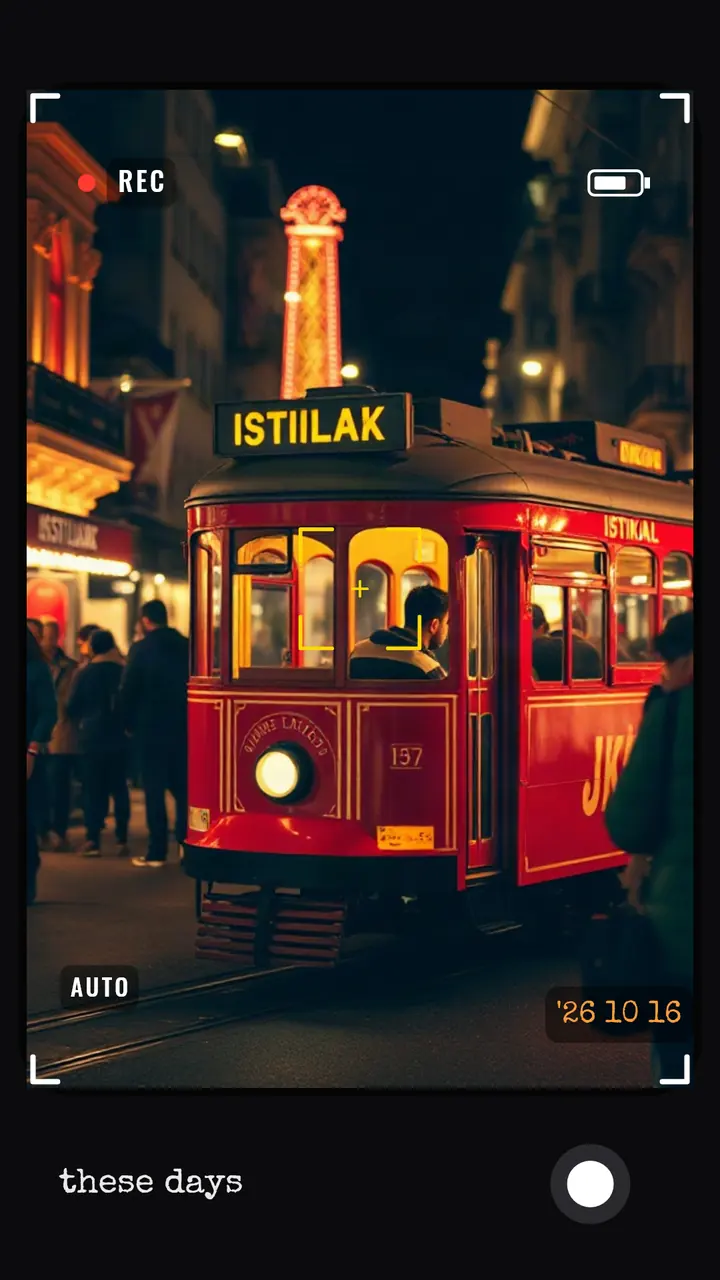
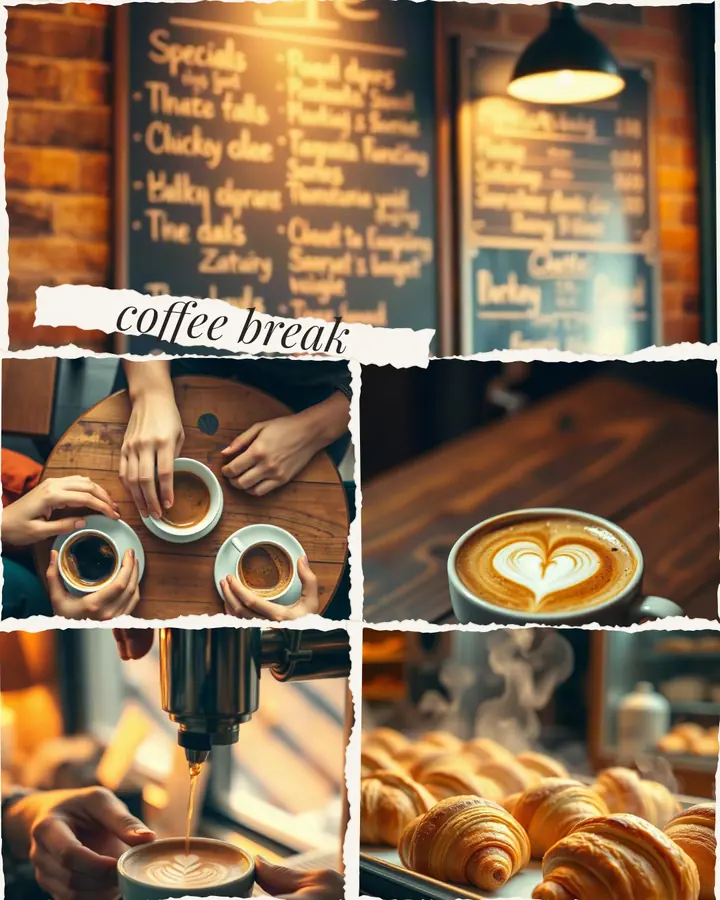
Slides sit side by side; put a photo across the edge and it flows from one slide to the next as you swipe. Up to 20 slides.
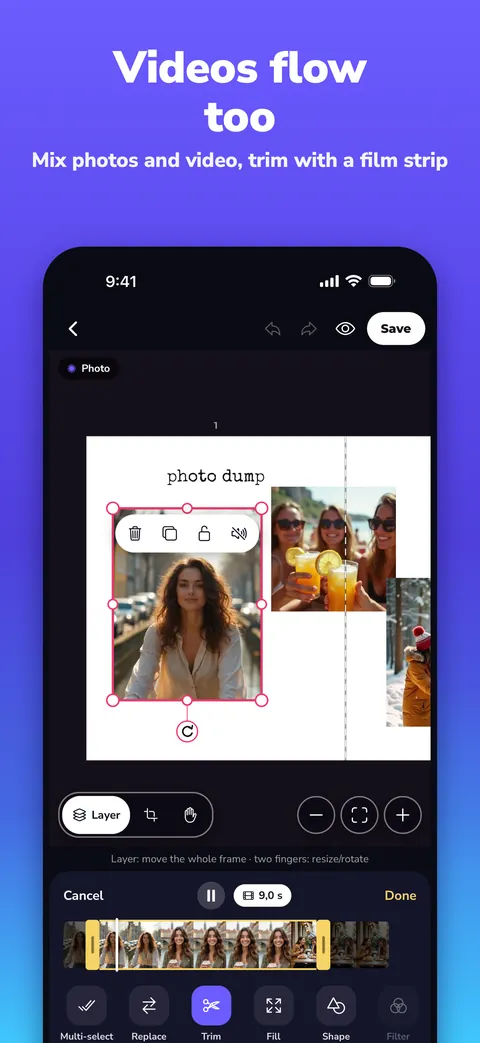
Put a video in a frame instead of a photo and pick the part you want on the film strip; slides are saved to your gallery in order.
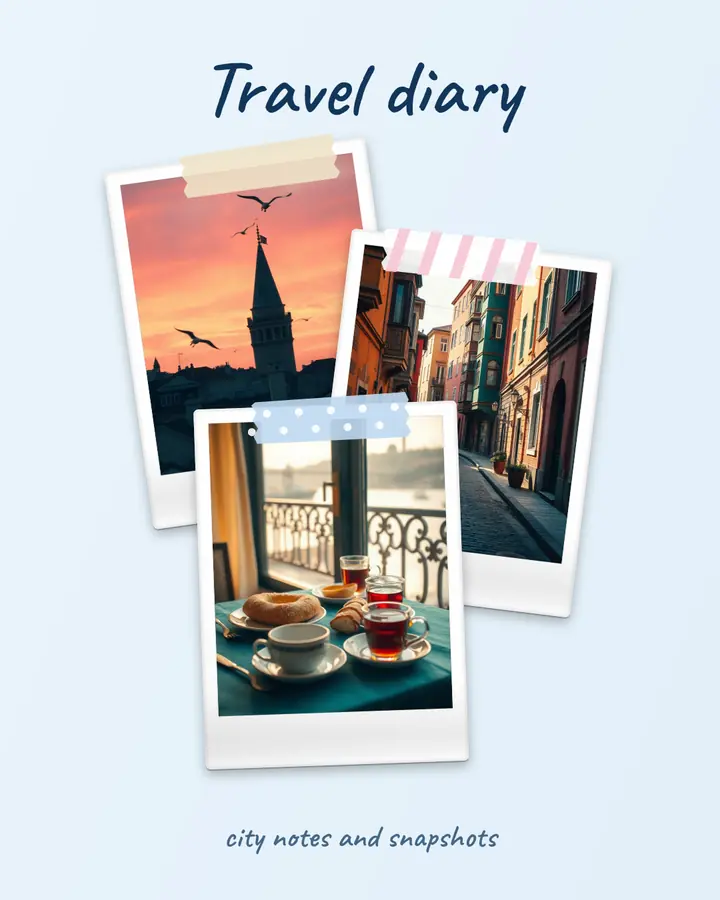
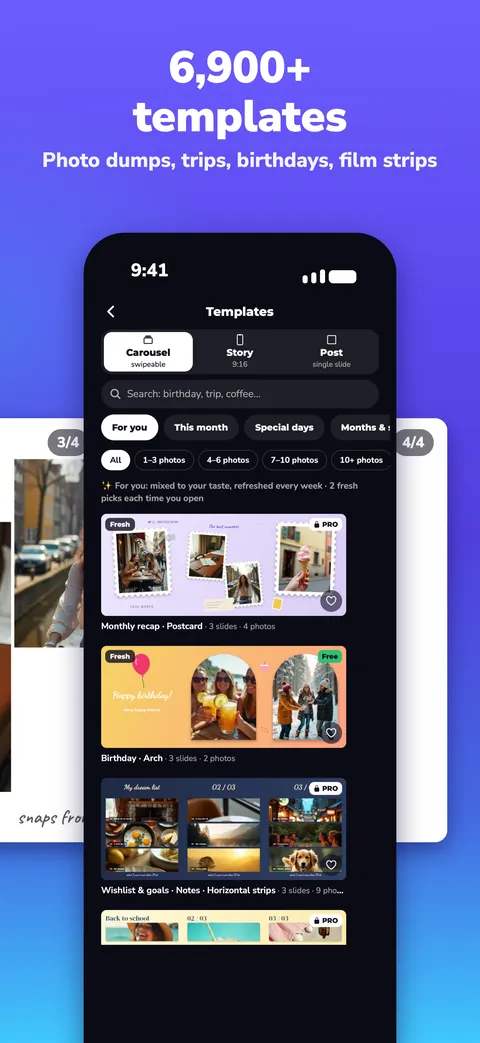
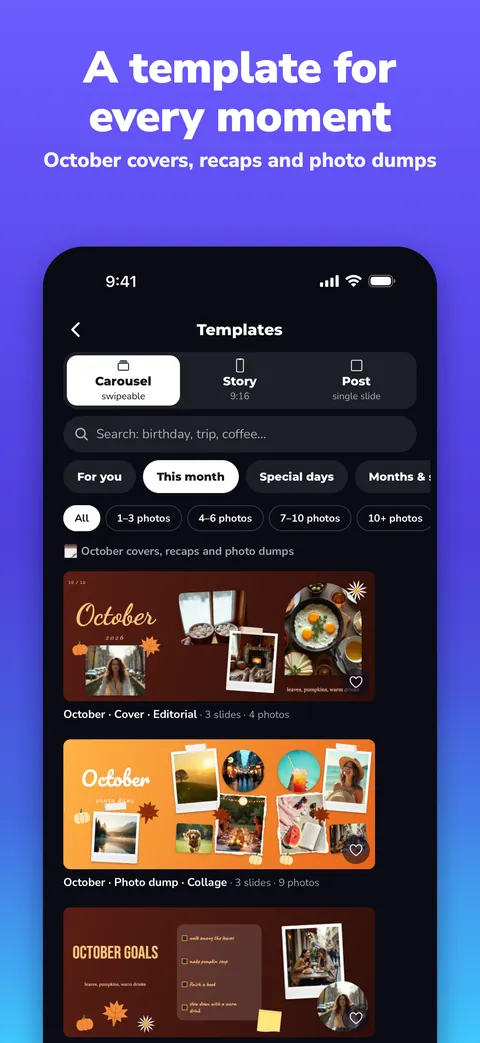
Carousel, single-post and story templates: photo dumps, travel, special days and news cards.
Snaps to slide edges, centres and other photos; guides place everything precisely.
Crop with the edge handles; double-tap to choose which part of the photo shows in the frame.
Trade the photo or video of any two frames in a template with one tap; the framing comes along.
Birthdays, weddings, graduations, holidays and national days for many countries, plus travel and news cards.
11 fonts, hundreds of emoji, your own drawing or a person cut out of a photo.
Works offline and saves every change automatically. Your photos stay on your phone and are never uploaded to our server unless you connect to Studio.
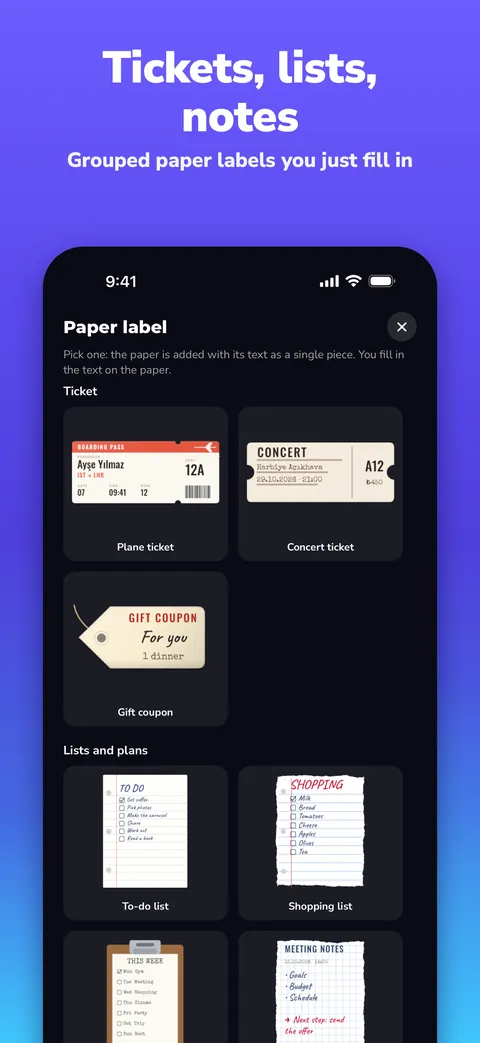
Real screens from Slids 1.2: templates, video, paper labels and drafts.
Open your phone project on your computer; place everything to the pixel with a mouse and work comfortably on a big screen.
If you connect to Studio, your projects and photos are stored on our server so they can sync; you can disconnect and delete the cloud data in Settings. If you don’t connect, everything stays on your phone.
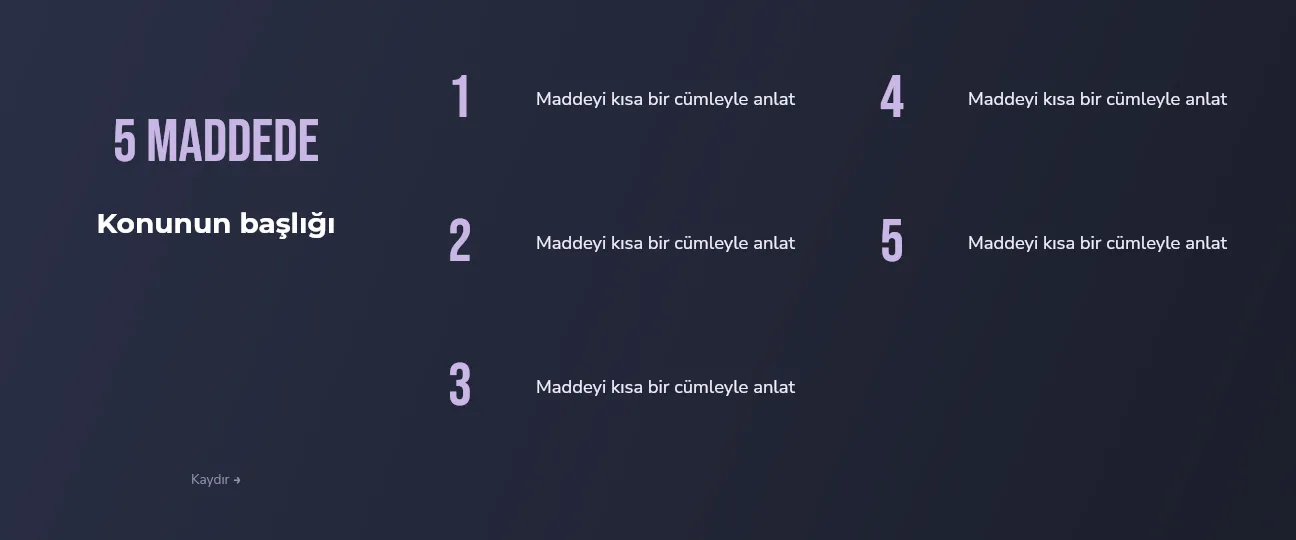
News pages use carousels for engagement close to video. With Slids’ news templates, headline, summary, list and source slides are ready in minutes.

During launch, every Pro feature is open to everyone. No sign-up, no card details.

A photo and face editor that runs on your phone. Coming soon to the App Store.
One design split across several slides. Because Instagram places the slides side by side, the picture continues without a break as you swipe. Slids lets you design on one big canvas and saves the slides in the right order, in full resolution.
Instagram carousels (4:5, 3:4, 1:1), Instagram stories and TikTok photo mode (9:16). All slides are saved to your gallery in order; on Instagram, multi-select them starting from 1.
Yes. During launch every Pro feature is free: no-watermark exports, carousels up to 20 slides, all templates and backgrounds.
Yes. Put a video in a frame instead of a photo and pick the part you want on the film strip. Videos are processed on your phone too and never uploaded.
Nowhere. Slids runs entirely on your phone; your photos are not uploaded to our servers. The only exception: if you connect to Slids Studio on your computer, your projects are stored on our server so they can sync.
Baksh and Slids are both made by GALK Labs. Baksh is a photo and face editor that runs on your phone, coming soon to the App Store.
Yes. The news card, “5 points”, numbers and quote templates were designed for exactly that.
On the App Store now. Every Pro feature is free during launch.