 Slids
SlidsFor personal memories
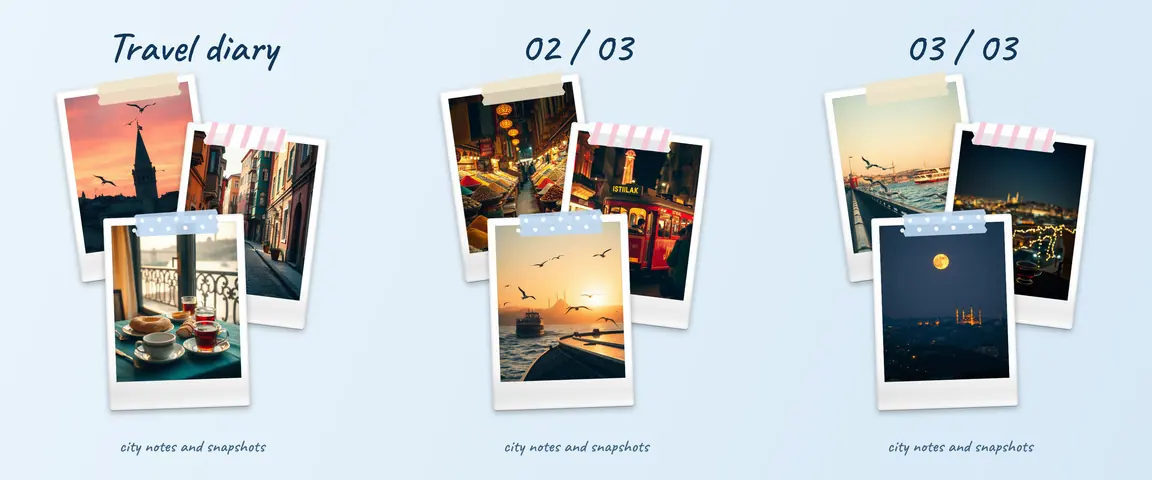
1. Travel diary
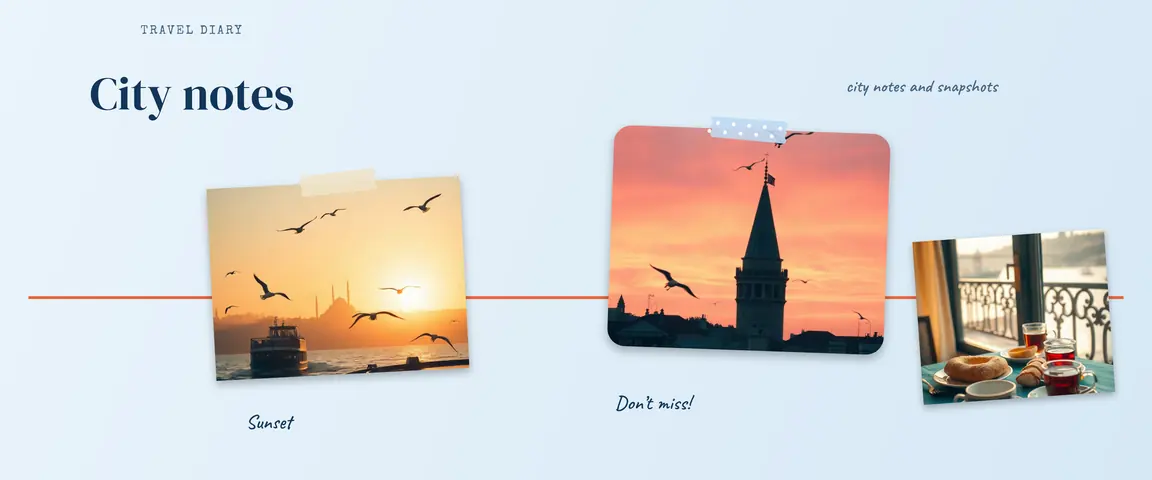
Give each day one or two slides: arrival, streets, food, views, the trip home. 5–8 slides is a good range. When photos cross the slide borders, the journey continues as people swipe. In Slids, searching “travel” brings up the travel templates.
 123
1232. Panorama
Split a wide view into equal slides so it opens up as people swipe. “Split a long photo” on the Slids home screen sets the slide count for you. Details in the panorama guide.
3. Photo dump
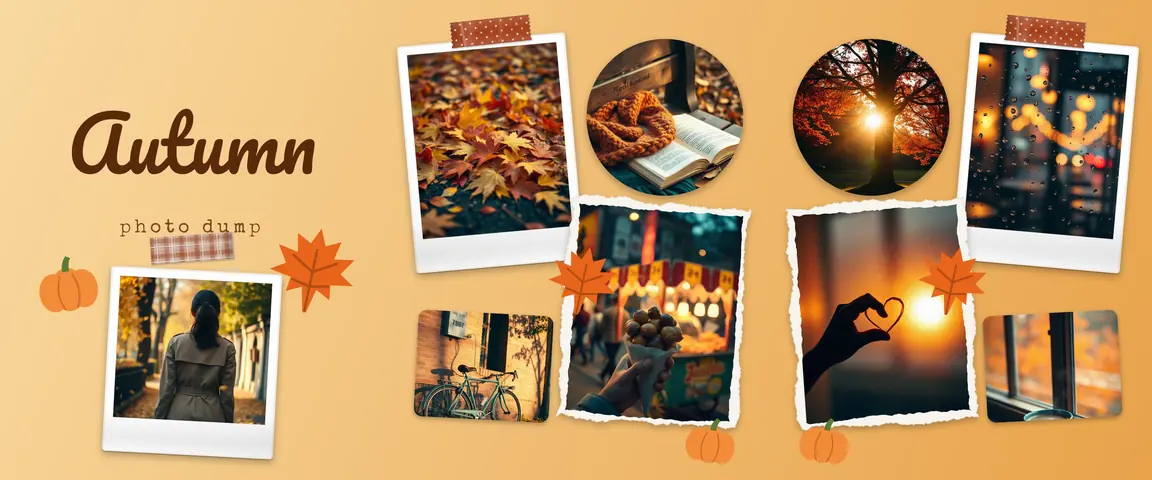
A loose mix from a week or a month. Open with a cover, alternate close and wide shots, end with a surprise. How to order it: the photo dump guide.
4. Wedding or engagement
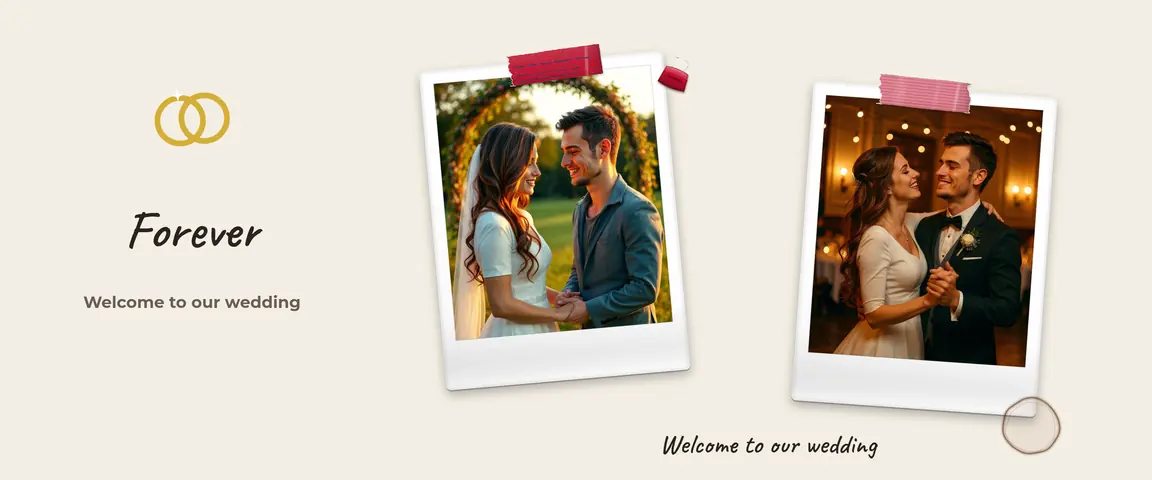
Getting ready, the ceremony, the first dance, family, the end of the night. A cream background, rings and polaroid frames give it an elegant feel. 5–10 slides; you can collect guests’ photos too.
 123
1235. Birthday
Photos through the years, “10 things about you” or party highlights. All the ideas: birthday carousel ideas.
6. Family album and baby months
A baby’s first 12 months, holiday family photos, or your grandparents’ old pictures. Round frames and numbers show the growing up.
7. Graduation
The first day and the last, corners of campus, friends, the cap toss. Put the school name and year on the cover.
8. Year or month recap
One photo per month, or “2026 in numbers”: how many cities, concerts or books. Write the numbers big, one per slide, and use your real figures.
For small businesses and makers
9. Product launch
The best product shot on the cover, then details, the product in use, color options, and where to buy on the last slide. Placing products across the slide borders pulls people on to the next one.
 123
12310. Before and after
A renovated room, a haircut, a garden, a restored piece of furniture. Shoot both photos from the same angle in the same light; “before” on the first slide, “after” on the other side of the border. The swipe tells the transformation on its own. Keep the photos honest; heavy editing undermines trust.
11. Menu or café showcase
The entrance, signature dishes, drinks, cozy corners. A warm background ties all the slides together. In Slids, searching “coffee” brings up café templates.
12. Step-by-step recipe or DIY
One slide per step: ingredients, prep, cooking, serving. Make the step numbers big; people save carousels like these to come back to later.
13. Behind the scenes
How a product or project gets made: sketches, materials, the workshop, packing. It shows followers the work behind it.
Creative and aesthetic ideas
14. Moodboard
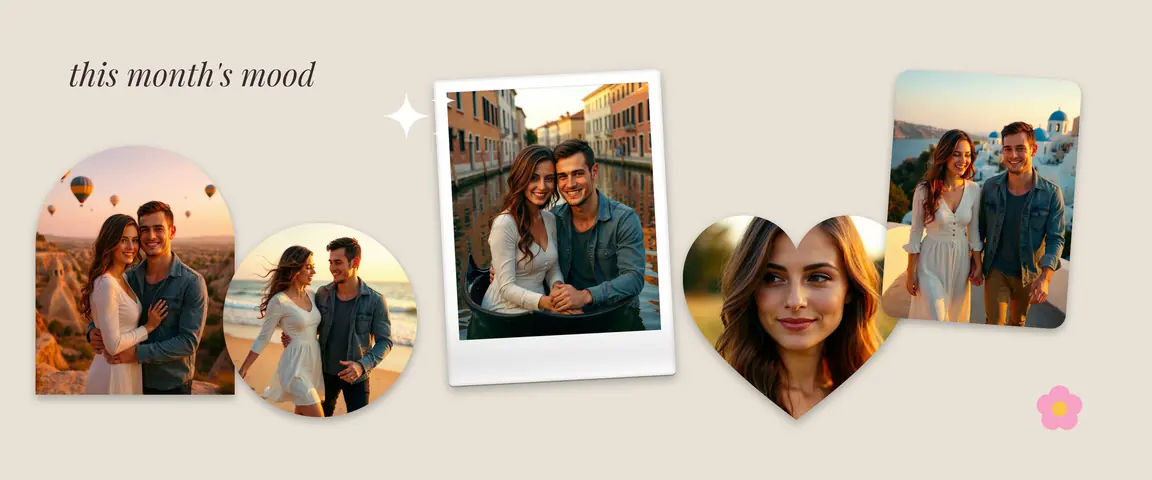
An inspiration board for a season, a color palette or a project: color swatches, textures, words. Overlapping photos work beautifully on a single canvas.
 123
12315. Film strip
Line your photos up in the frames of a film strip for a nostalgic feel. The strip rolls on as people swipe; great for trips and winter holidays.
5 rules that work for every idea
- The first slide is your cover. It is the only one on your profile grid; use a sharp photo and a short headline.
- 3–10 slides is enough for most topics. Instagram allows up to 20, but every slide should add something.
- Keep every slide the same ratio. The most common choice is 1080 × 1350 (4:5); see carousel size.
- Let images cross the borders, not text. A sentence split by a slide border is hard to read.
- Post the slides in order. Pick your saved slides on Instagram in order: 1, 2, 3…
Headline formulas for the cover slide
A good cover headline is short and gives people a reason to swipe. A few formulas you can adapt:
- Place and time: “3 days in Lisbon”, “A weekend in the mountains”.
- A number: “8 good moments from October”, “5 cafés we tried this summer”.
- Curiosity: “This room looked very different 2 weeks ago”, “Swipe to the end”.
- Speak to someone: “Happy birthday, Sam”, “We graduated!”.
- A question: “Which one is your favorite?” Leave the answer to the comments on the last slide.
Keep the headline near the center of the first slide: the profile grid shows a 3:4 preview, so a 4:5 slide is trimmed slightly on the left and right.
Where to start
Start with the photos you already have. In Slids, type the topic into the search box on the templates screen (“travel”, “wedding”, “birthday”, “coffee”), filter by number of photos, and choose “Use this template”. To build from scratch, tap “Start with a blank canvas” and move your photos across the borders; the full technique is in the seamless carousel guide.